Electronic Forms Resources
Modernizing Services Across Mason
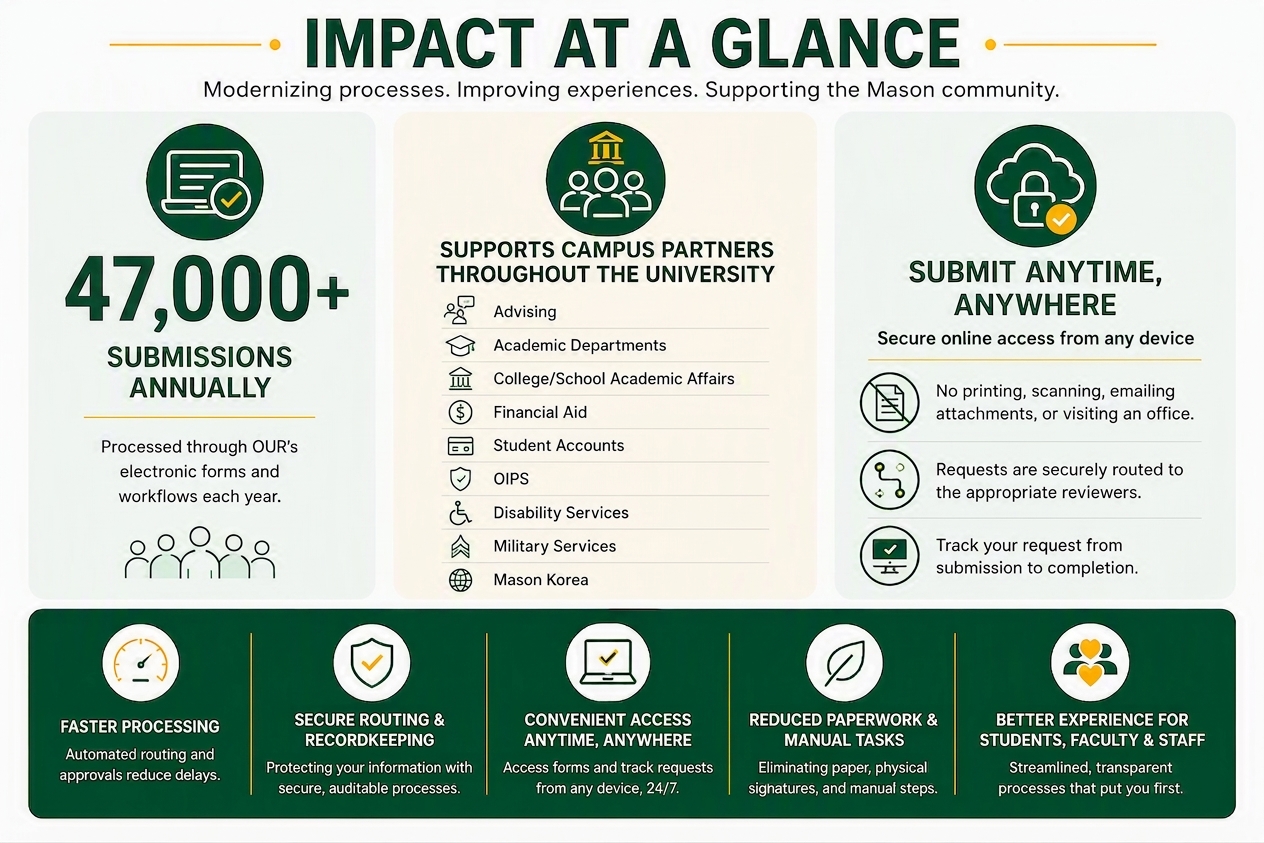
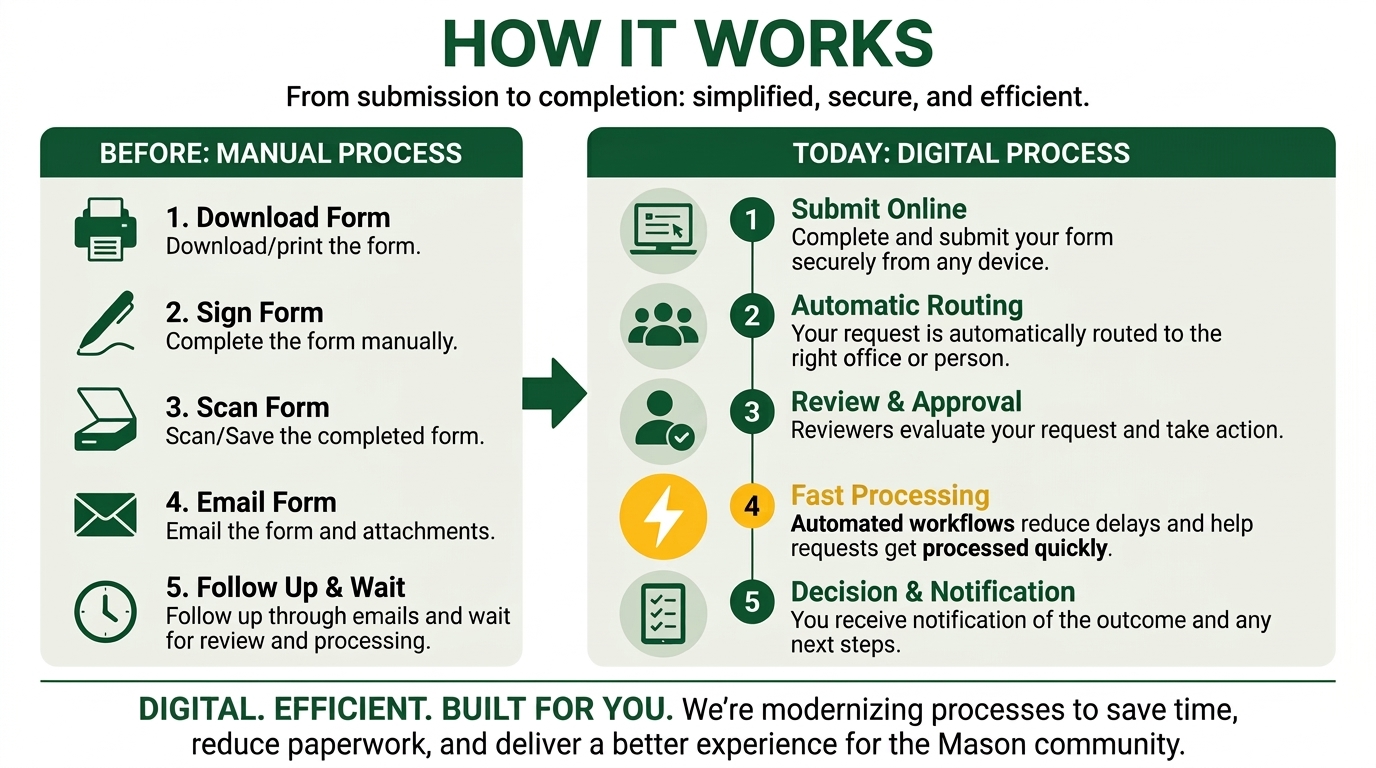
Since 2021, the Office of the University Registrar has been modernizing paper-based and PDF processes through secure electronic forms and automated workflows. This ongoing effort improves efficiency, transparency, and accessibility for students, faculty, advisors, and staff while reducing manual administrative work and enhancing the overall service experience at Mason.
Dynamic Forms (DF)
DFs mimics PDFs while allowing for auto-filling student information, dynamic filtering, and electronic approval routing.
You may view your queue or if an approval link does not go to the Mason sign in page automatically, log in to https://dynamicforms.gmu.edu/.
If you have any questions about specific forms submitted by your students or sent to you or your department, you may email [email protected] to check on the status of the form.
Ellucian Workflows (WF)
WF is a business process automation platform that integrates with student records (Banner) to electronically route requests, approvals, and information across the university. You can view your queue through the dashboard links below. If you received an email for a student that needs to be reassigned or have other questions, you can email [email protected].
WF1: https://go.gmu.edu/ewf (plans to decommission by end of 2026)
WF2: https://go.gmu.edu/ewf2
Find What You Need
Looking for a Form?
Need to submit a request, complete a process, or access a form? https://registrar.gmu.edu/forms/
For School/College Academic Affairs: https://registrar.gmu.edu/forms/restricted-forms/
*The password is only available to Academic Affairs Offices. Contact your Academic Affairs Office for direct links to Restricted Forms.
Reviewers: Pending Forms
To find forms that are waiting for your review:
- https://go.gmu.edu/ewf2
- Click on the X next to your name as Requester.

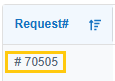
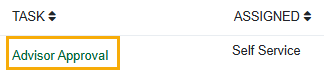
- To access the form, click on the Request# and then the link under the Task column (e.g. Advisor Approval).
Resources & Support
For Students
Change of Program Guide
Change of Program – Double Major/Emphasis Guide
Credit Overload Guide
FERPA Consent to Release Information Guide
Late Graduation Application Guide
Late Schedule Adjustment Guide
Leave of Absence Guide
Re-Enrollment Guide
Selective Withdrawal Guide
Study Elsewhere-Consortium Guide
Graduate Time Limit Extension Guide
Graduate Transfer of Credit Guide
Veteran Registration & Reporting Form Guide
Staff & Department Administrators
Overview Guides
Ellucian Workflow Approval Routing
Dynamic Forms Approval Routing
Dynamic Forms – Reviewer Guide
Dynamic Forms – Rejecting or Sending for Revision Guide
For Reviewers
Change of Program Reviewer Guide
Credit Overload Reviewer Guide
Grade Change Request Reviewer Guide
Late Graduation Application Reviewer Guide
Study Elsewhere-Consortium Reviewer Guide
UG Leave of Absence Reviewer Guide
GR Leave of Absence Reviewer Guide
Re-Enrollment Reviewer Guide
Selective Withdrawal Reviewer Guide
Graduate Time Limit Extension Reviewer Guide [email templates]
For Advisor/Staff Initiated Forms
Approver Change for Grade Change [guide] [link]
Change of Program
Credit Overload
FERPA
Grade Change for Faculty
Grade Change for Grading Coordinators
Late Graduation Application
Late Schedule Adjustment Guide
Leave of Absence
Retroactive Enrollment Adjustment
Success Team Assignment [guide] [link]
Graduate Transfer of Credit Guide
Withdraw Graduation Application
Need Additional Help?
If you have any questions about specific forms submitted by you or students or sent to you or your department, you may email [email protected] to check on the status of the form.
If you encounter an an error or issue, please contact [email protected] and provide the Form Name, Case #, screenshots, and any helpful information related to the case so we can research further.