Degree Audit FAQ
Exceptions

Workflow Routing Steps
- Advisor Submits Exception Request
- Level 1 Approvers (Department level)
- Equivalent to the Department signature on the Sub/Waiver PDFs
- Exceptions applied to Mason Core and Degree-level requirements are routed to Undergraduate Education for approval
- Level 2 Approvers* (College level)
- Equivalent to the Dean signature on the Sub/Waiver PDFs
- Exceptions applied to Mason Core and Degree-level requirements are routed to Undergraduate Education for approval
- OUR review
- Once approved at this step, the exception is considered fully approved and is out of workflow.
*This step is skipped for the PEA Workflow
Reviewing Exception Requests
- If you have pending requests to review, they will receive a notification in the platform.
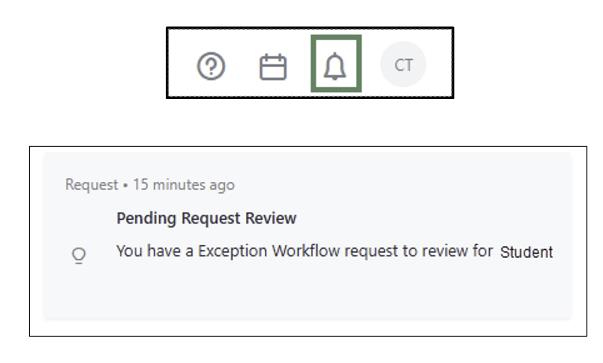
- Click on the “Requests” tab (left side menu in the Degree Audit)

- Click on “Audit Exceptions Workflow” for the student exception you need to review. The exception information will open.
- Review the exception details and justification.
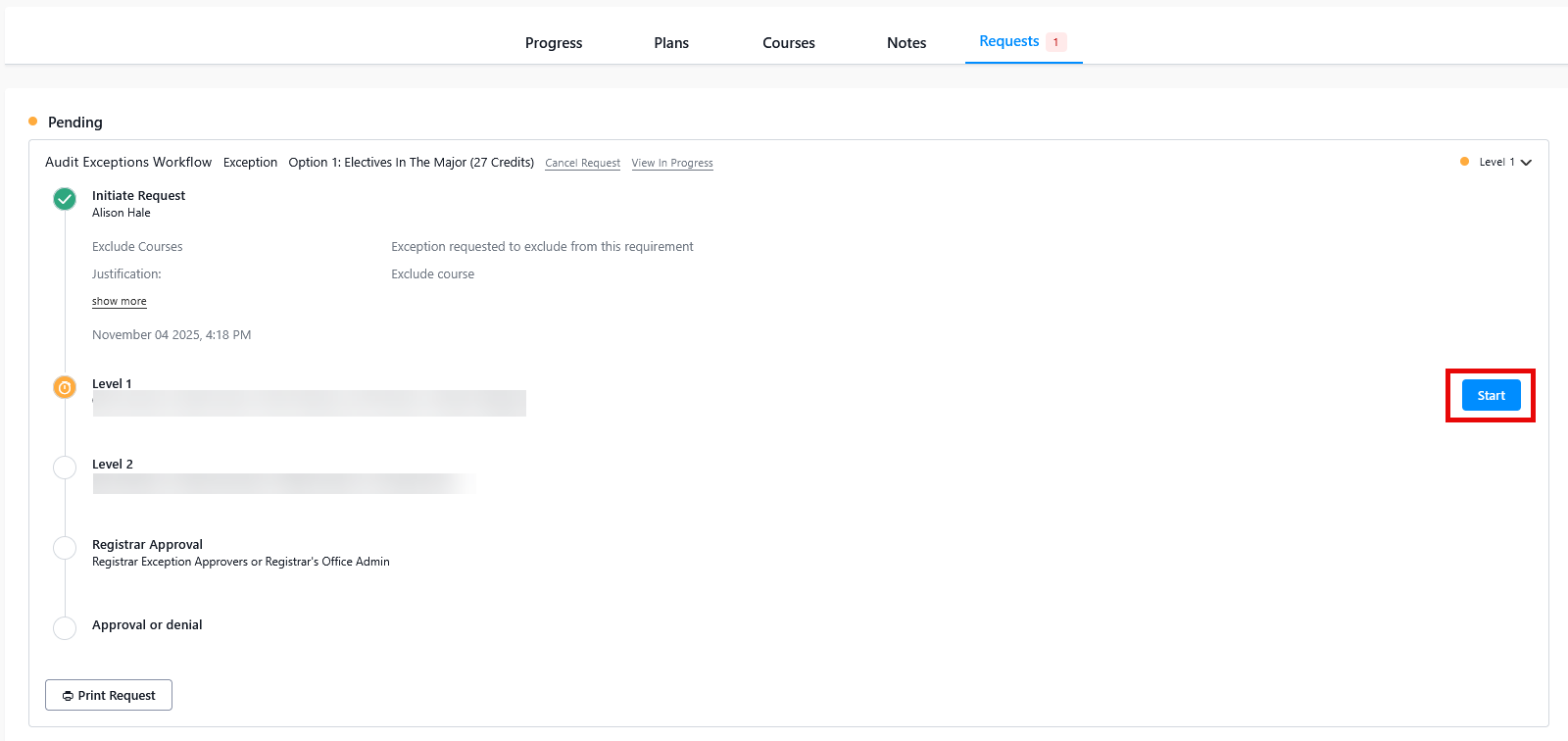
- Select Start
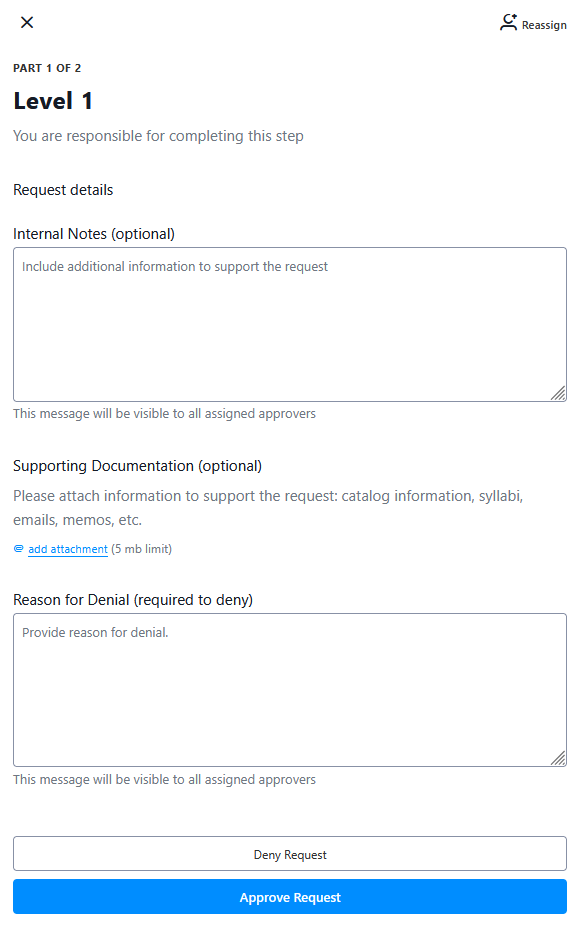
- Select Approve or Deny Request as appropriate
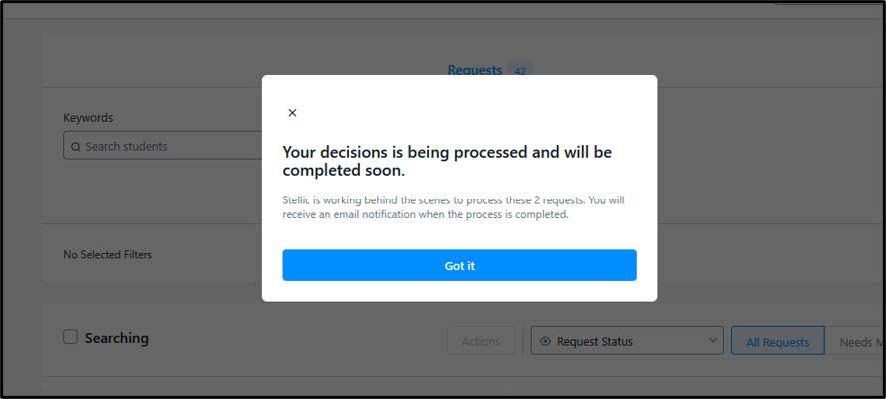
The submitted or approved requests will appear in an approvers queue in real time. The approval processing time will depend on how quickly Level 1, Level 2, and OUR approvers take to review and approve the request. We anticipate that the processing time will be much faster than the previous PDF process.